Tech
【Cloudflare Pages】bun patchが本番ビルドで当たってなかった
bun patchでパッチを当てたnode_modulesのパッケージがあったのですが、よく見ると本番環境に反映されていませんでした。原因はBunではなく実はnpmでビルドをしていたことだったので、解消していきます。
2026/01/02
結論
bunでビルドするためのコマンドは、
bun run buildでは不十分です。
npm install -g bun && bun install && bun run buildにしてください。
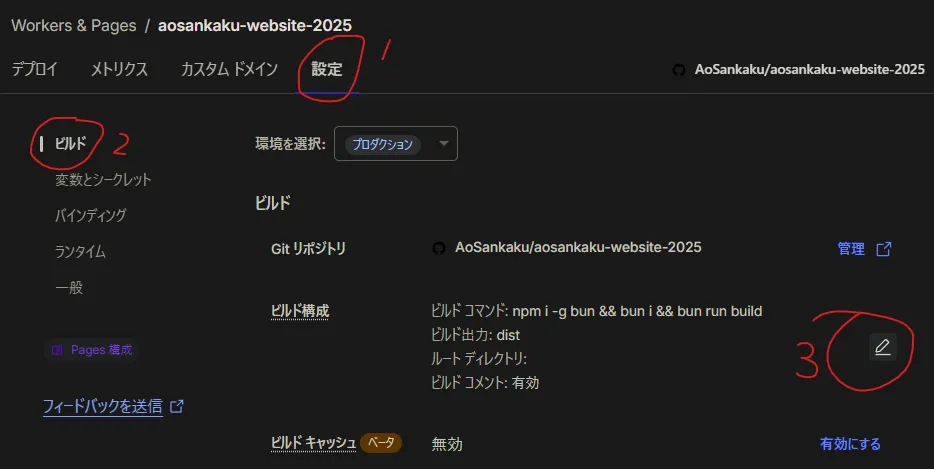
場所はここです。
やりたかったこと
bun patchで、node_modulesに入っているパッケージを編集できるようになるということを最近学びました。npmやyarnでも同じ事はできると思います。
Tip
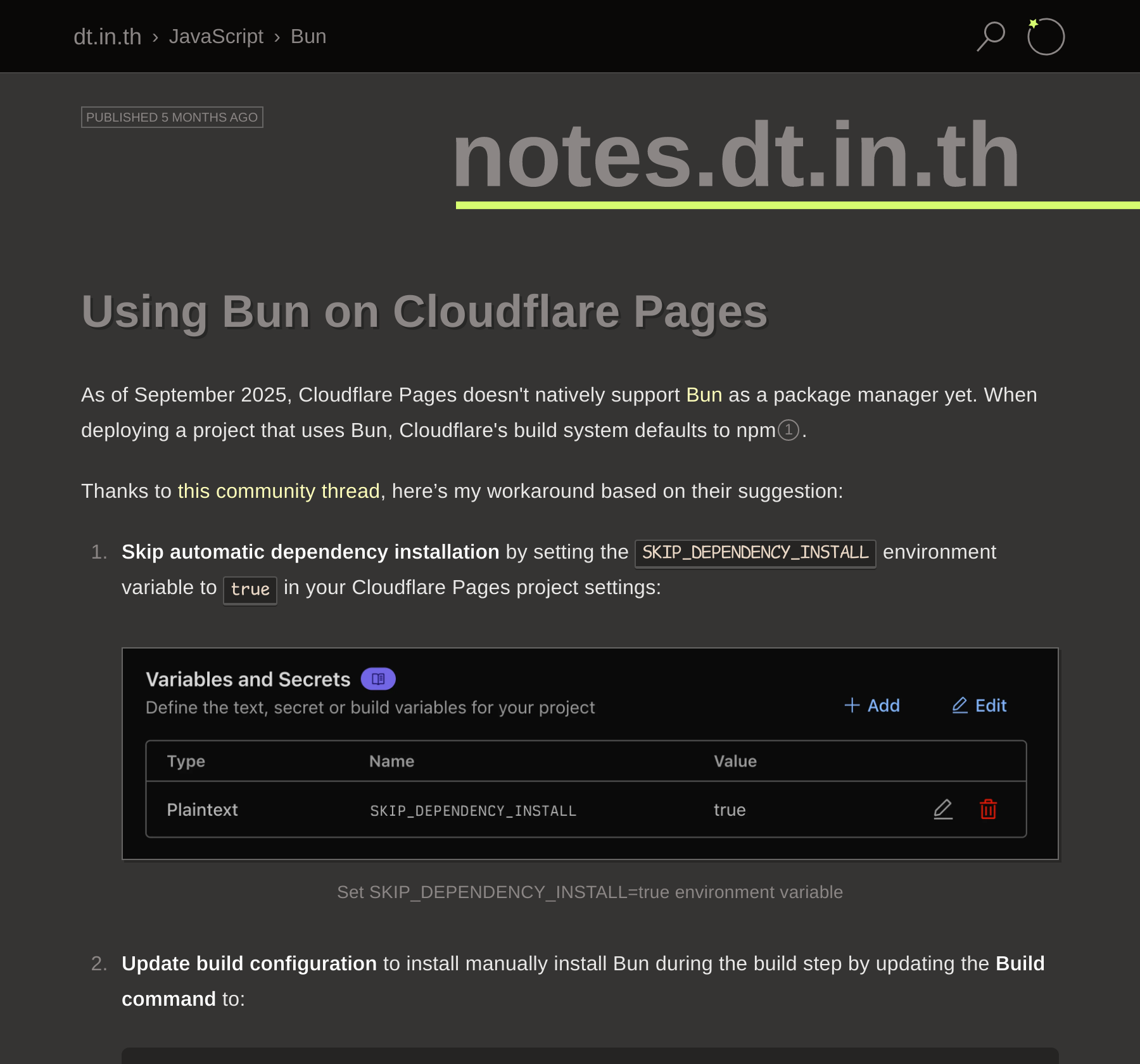
bun patchについてもっと知りたい人は、これとか読むといいんじゃないかな
しかし、当てたパッチがローカルのビルドや開発環境だとちゃんと動いているのにCloudflare Pagesで動かない…これはおかしい。
というわけでログを見てみると、
23:36:03.477 Cloning repository...23:36:06.576 From https://github.com/AoSankaku/aosankaku-website-202523:36:06.576 * branch f6c417a0565109496eba7f527d4fb56d27a20a50 -> FETCH_HEAD23:36:06.57623:36:06.862 HEAD is now at f6c417a Repatched @astro-community/astro-embed-youtube prefetch23:36:06.86223:36:06.93223:36:06.932 Using v2 root directory strategy23:36:06.952 Success: Finished cloning repository files23:36:08.787 Checking for configuration in a Wrangler configuration file (BETA)23:36:08.78723:36:09.887 No wrangler.toml file found. Continuing.23:36:09.951 Detected the following tools from environment: [email protected], [email protected]23:36:09.952 Installing project dependencies: npm install --progress=false23:36:43.266 npm warn deprecated [email protected]: Use @exodus/bytes instead for a more spec-conformant and faster implementation23:36:48.70823:36:48.709 added 580 packages, and audited 581 packages in 38s23:36:48.70923:36:48.709 196 packages are looking for funding23:36:48.709 run `npm fund` for details23:36:48.71023:36:48.710 found 0 vulnerabilities23:36:48.736 Executing user command: bun run build23:36:48.958 $ astro build23:36:51.468 14:36:51 [content] Syncing content…思いっきり[email protected]って書いてあります。つまり、私はbunをすべての過程に使っていると思いこんでいたわけです。こわいねえ。
あとは記事の冒頭に書いてあるとおりに修正するだけです。
おまけ
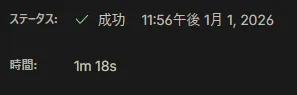
ついでにちょっとビルド(厳密に言うとパッケージのダウンロード)が速くなりました。30秒ってでかいよな。
移行前:
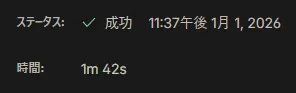
移行後: